Circle Setup
How to Sign Up
(First-Time Only)
If this is your first time, follow these steps to create your account:
1. Click the invitation link
Use the link provided by Guilford Newcomers Club to access Circle. If you did not receive your invitation please email info@guilfordnewcomers.com.
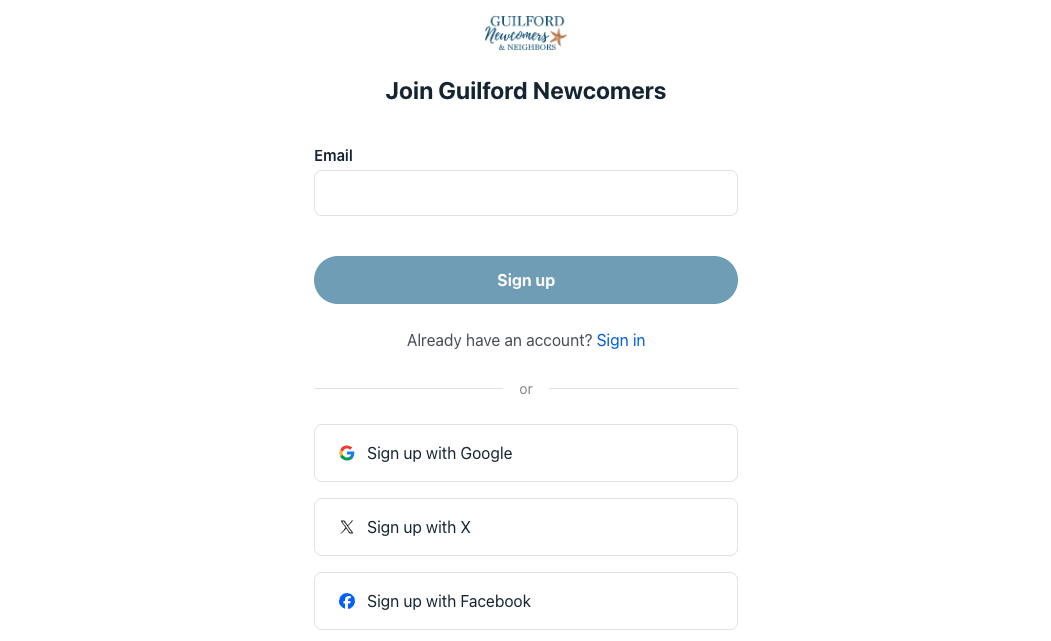
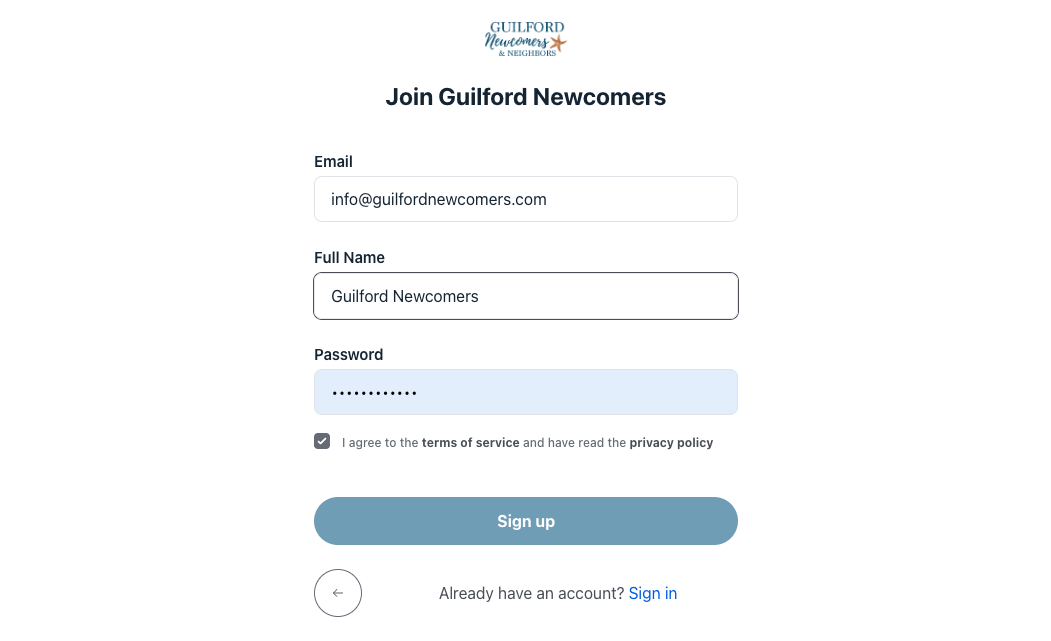
2. Sign up with email
Use the same email you shared with the club.
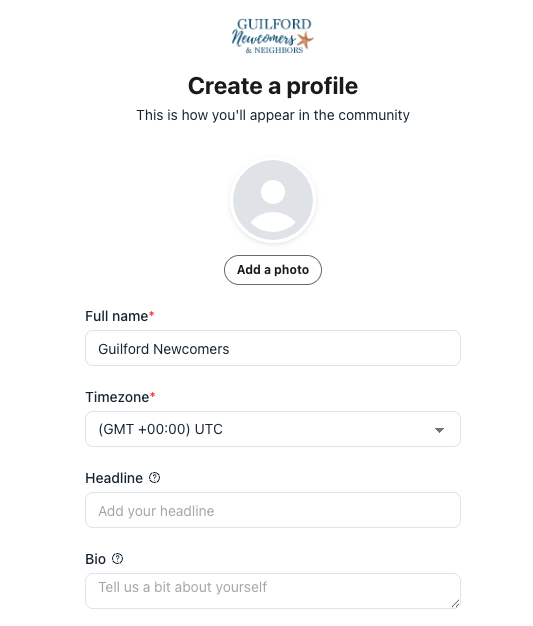
3. Create Your Profile
Use the link provided by Guilford Newcomers Club to access Circle.
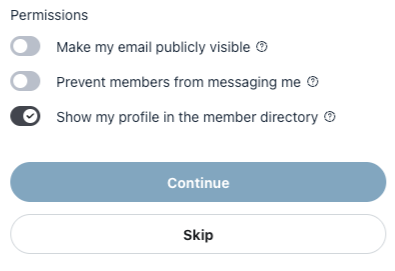
4. Choose your Privacy Settings
You can choose your permissions including if your profile is shown in the member directory.
Now you can access the Guildford Newcomers & Neighbors Community!
You can access the circle community anytime:
How to Log In
1. You can always Log In is at the top of the Guilford Newcomers Website.
You can also bookmark this link to access the circle community anytime:
https://guilford-newcomers.circle.so/

2. You will be given the option to Log In to your account using whichever method is connected to your Circle account.
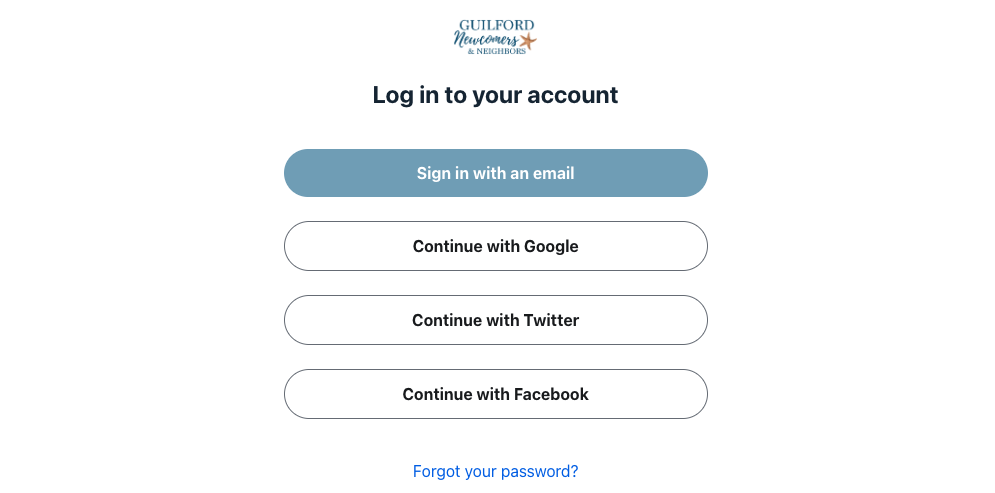
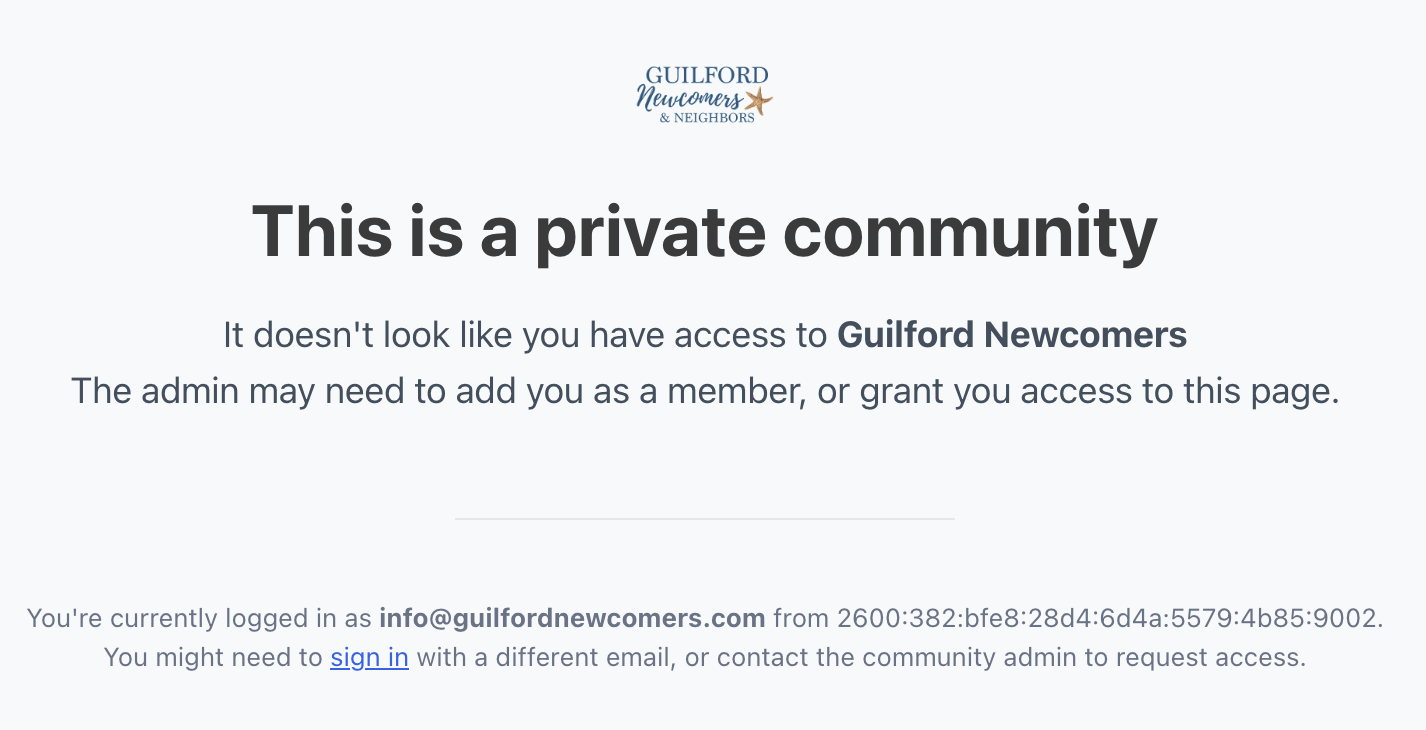
Note: If you sign in to a different account or have not been invited to join, your screen will look like this. Please contact info@guilfordnewcomers.com.